
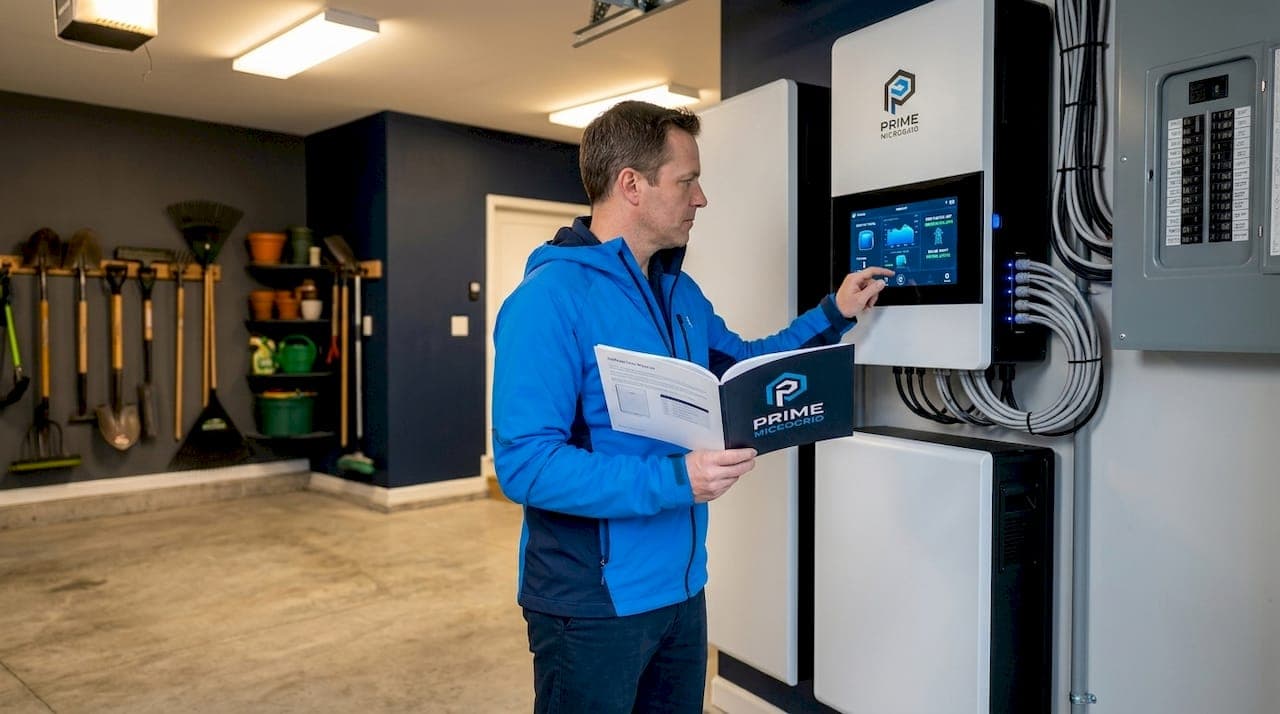
The lights go out at 11 p.m. during a storm. Your sump pump stops. Your refrigerator warms. Your HVAC shuts off on the coldest night of the year. A whole home backup power setup solves exactly that problem, but only if it's sized and designed correctly. This guide walks you through what a whole-home backup system actually is (the industry term is a residential backup power system or residential microgrid), how it differs from partial solutions, how to calculate your real power needs, and what it takes to get hardware installed that works when everything else fails.
Table of Contents
- Key Takeaways
- What a whole home backup power setup actually means
- Calculating your home's actual power needs
- Selecting and installing the right hardware
- Planning for multi-day outages
- My honest take on whole-home backup
- How Primemicrogrid can design your backup system
- FAQ
Key Takeaways
| Point | Details |
|---|---|
| Whole-home vs. partial is a design decision | Switching from partial to whole-home backup later requires major rewiring and hardware changes. |
| Size power AND energy separately | Your inverter rating (kW) and battery capacity (kWh) must each match your home's peak demand and outage duration. |
| Load audits come first | A circuit-by-circuit load audit must happen before you select any equipment. |
| Solar extends multi-day runtime | Pairing battery backup with solar input lets you recharge during daylight and survive outages lasting several days. |
| Match hardware to your main panel | Your transfer switch and inverter must match your main service amperage to stay code-compliant and safe. |
What a whole home backup power setup actually means
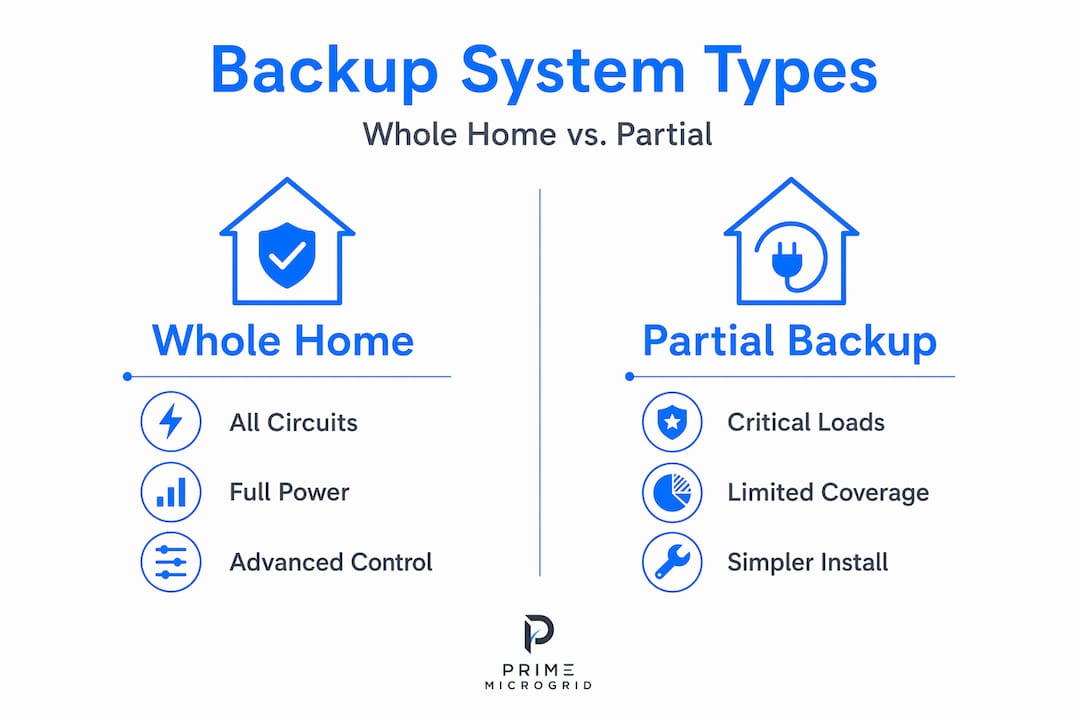
Most homeowners assume backup power means a generator plugged into a few circuits. A true whole-home backup system is something fundamentally different. It means every circuit in your house, including your HVAC, water heater, and kitchen appliances, stays powered during an outage without you touching a switch.
The technical difference comes down to electrical topology. Whole-home backup integrates battery storage and an inverter directly into the main service panel using either a hybrid inverter with an integrated transfer switch or a separate automatic transfer switch (ATS). Partial backup systems, by contrast, power only a select group of circuits through a critical load panel. That's a cheaper installation, but it means your HVAC, well pump, or electric range stays dark.
The table below shows the key differences at a glance.
| Feature | Whole-home backup | Partial (critical load) backup |
|---|---|---|
| Circuits covered | All circuits | Selected circuits only |
| HVAC supported | Yes | Usually not |
| Hardware complexity | High | Moderate |
| Transfer switch type | Whole-home ATS | Critical load panel |
| Typical cost range | $22,000–$30,000+ | $8,000–$15,000 |
| Rewire required to upgrade | Yes | N/A |
Here is why the topology point matters so much: whole-home vs. partial backup is an electrical topology decision fixed at design time. If you start with a partial system and later want to cover your whole house, you are looking at significant rewiring, a new transfer switch, and possibly a new inverter. Making that call upfront saves money and disruption later.
The core components of a whole-home system are a hybrid inverter or inverter-charger, an automatic transfer switch rated for your main service amperage, one or more battery modules, and in many systems, an energy management controller that handles source switching automatically.
Calculating your home's actual power needs
This is where most homeowners make their first mistake. They focus on how much battery capacity they want and skip the step that determines whether that battery is actually usable: separating power needs from energy needs.
Power (kW) is how much electricity your home demands at any given moment. Energy (kWh) is how much total electricity you consume over time. Your inverter must handle the former; your batteries must handle the latter. A system with huge battery capacity but an undersized inverter will shut down the moment your AC compressor kicks on, because peak simultaneous demand determines whether the inverter can actually deliver power when it's needed.
Here is how to work through the calculation:
- List every load you want backed up. Include running wattage for each appliance plus the starting surge for motor loads. A central air conditioner drawing 3,500W running can surge to 7,000W or more at startup.
- Identify your peak simultaneous demand. Add up the loads that might run at the same time. This is the minimum inverter kW rating you need.
- Estimate outage duration. Are you planning for a 12-hour overnight outage or a 3-day storm? Multiply your average hourly consumption by the target hours to get your minimum kWh requirement.
- Add a buffer. Size your battery capacity at least 20% above your calculated minimum to account for battery inefficiency, degradation over time, and unexpected loads.
- Check solar recharge alignment. If you have solar, calculate how many kWh your panels can contribute per day to offset overnight consumption.
Pro Tip: A detailed load audit done circuit by circuit before you call an installer is the single best thing you can do to get accurate quotes. Installers who skip this step are guessing.
| Home size | Typical avg. daily use | Recommended battery capacity | Recommended inverter power |
|---|---|---|---|
| 1,500 sq ft | 25–35 kWh/day | 20–27 kWh | 7.6–10 kW |
| 2,500 sq ft | 40–55 kWh/day | 30–45 kWh | 10–15 kW |
| 3,500+ sq ft | 60–80+ kWh/day | 50–70+ kWh | 15–20+ kW |
Note that sizing battery storage for a whole house is not a one-size-fits-all formula. Homes with electric vehicles, heated pools, or multiple HVAC zones land in a very different category than average.
Selecting and installing the right hardware
Once you know your power and energy numbers, equipment selection becomes a much more focused process. The four hardware decisions that matter most are your transfer switch, your inverter, your battery technology, and how they integrate with any existing solar or generator.
Transfer switch selection
Your ATS must match or exceed your main service panel amperage. For most modern homes that means a 200A transfer switch rated at 240V. Using an undersized ATS is a code violation and a fire risk. The ATS also determines how fast your home switches to backup power when the grid fails. Whole-home battery systems can transition in under 20 milliseconds, fast enough that your computers and smart home devices never notice the switch.
Inverter and battery choices
Hybrid inverters that include an integrated ATS are the cleanest option for whole-home backup. They reduce the number of separate components and simplify installation. Standalone inverter-chargers paired with a separate ATS give you more flexibility, particularly when integrating a generator.

For battery technology, lithium iron phosphate (LFP) chemistry is now the standard for residential backup. LFP cells tolerate more charge cycles, operate more safely at high temperatures, and degrade more slowly than older lithium-ion chemistries. Modular battery systems let you start with one or two units and add capacity as your budget or needs grow.
Pro Tip: If you plan to add a generator for extended outages, confirm your inverter and ATS are generator-compatible before purchase. Not all hybrid systems accept generator input cleanly.
A few additional points that matter at installation time:
- Transfer switch and inverter must hold UL listing and comply with NEC requirements for your jurisdiction.
- Licensed electricians must perform the main panel integration. This is not a DIY project.
- Modern backup systems include energy management software that autonomously detects outages, switches sources, and optimizes charging. Verify your system includes remote monitoring.
- Fast switchover time protects sensitive electronics. Millisecond-scale transfers matter for computers, medical equipment, and smart home hubs.
Planning for multi-day outages
A single battery bank covers one night. A storm-proof home backup power system that handles three or four days requires a layered strategy.
The most reliable approach combines battery storage with rooftop solar input. During a multi-day outage, your solar panels recharge the batteries each day while you draw from storage overnight. One inverter can accept up to 5,600W of solar input, enough to meaningfully offset daily consumption in most climates. In summer, a well-sized solar and battery pairing can run indefinitely. Winter days with fewer sun hours require more battery capacity to bridge the gap.
Load management is the second lever. Smart panels from companies like SPAN or Lumin let you define which circuits get priority during backup mode and automatically shed non-essential loads when battery state of charge drops below a threshold. This means your refrigerator, medical equipment, and heat stay on while the entertainment room waits.
Here is how runtime stacks up with and without solar for a 2,500 sq ft home drawing a moderate 2.5 kW average load:
| System configuration | Battery capacity | Avg. solar input | Estimated runtime |
|---|---|---|---|
| Battery only | 30 kWh | None | 12 hours |
| Battery + load shedding | 30 kWh | None | 18–20 hours |
| Battery + 5 kW solar | 30 kWh | 20–25 kWh/day | 3–5+ days |
| Battery + solar + generator | 30 kWh | 20–25 kWh/day | Indefinite |
The cost side is real. Whole-home backup systems typically run $22,000 to $30,000 or more before incentives. The federal Investment Tax Credit currently reduces that by 30%, bringing a $25,000 system down to roughly $17,500 out of pocket. Pairing solar with backup often qualifies for additional state incentives. Learn more about combining solar and battery systems to understand the full picture before committing to a budget.
My honest take on whole-home backup
I've seen homeowners spend $25,000 on a backup system that fails the first real test. Not because the equipment was bad, but because nobody did a proper load audit before installation. The installer sized the inverter for typical daily use, not for the moment in February when the furnace, water heater, and refrigerator all run at once. The system overloaded and shut down.
The most common misconception I run into is the idea that buying more battery capacity fixes everything. It doesn't. If your inverter can't handle the starting surge of your HVAC compressor, no amount of stored energy solves that. Power (kW) and energy (kWh) are two completely different constraints, and you have to meet both.
What actually works: start with the load audit, size the inverter for your real peak demand with surge margins accounted for, then decide how many hours of runtime you want and buy the batteries to match. Add solar input if multi-day resilience matters to you.
I'd also push back on the instinct to DIY a whole-home system to save money. Main panel integration, ATS installation, and NEC compliance are where serious mistakes happen. A properly licensed installer pays for itself in safety, code compliance, and warranty protection.
Modular systems are the right call for most homeowners. Start with what your budget allows today. Design the system so you can add battery modules or a second inverter later without replacing everything. That flexibility is worth more than squeezing maximum capacity into the first installation.
— David
How Primemicrogrid can design your backup system
Primemicrogrid designs customized residential microgrid systems built around your home's specific loads, your local grid reliability, and your budget. That means a real load audit before any equipment gets specified, hardware selected to match your main panel amperage and surge requirements, and a design that can grow with you.
Whether you're protecting a 1,500 square foot home from overnight outages or building a backup system for a large property that needs to hold through a three-day storm, Primemicrogrid brings together battery storage, solar integration, generators, smart controls, and utility-grid management into a single coordinated system. Every installation is engineered, not templated. If you're ready to stop guessing and start planning with real numbers, the team at Primemicrogrid is the right place to start.
FAQ
What is a whole-home backup power setup?
A whole-home backup power setup is a residential energy system that keeps every circuit in your house powered during a utility outage. It combines a battery bank, hybrid inverter, and automatic transfer switch connected directly to your main service panel.
How much does a whole-home backup system cost?
Whole-home backup systems typically cost between $22,000 and $30,000 before incentives, with the federal Investment Tax Credit reducing that cost by 30%. Final pricing depends on battery capacity, inverter size, and whether solar is included.
How long will a whole-home battery backup last?
Runtime depends on your battery capacity and average load. A 30 kWh system powering a typical 2,500 square foot home at moderate consumption lasts roughly 12 hours without solar recharge, and several days when combined with active solar panels.
What size transfer switch do I need for whole-home backup?
Your ATS must match your main panel amperage. Most homes require a 200A transfer switch rated at 240V. Using an undersized switch is a code violation and creates a safety hazard.
Can I add solar to my whole-home backup system later?
Yes, most modern hybrid inverters accept solar input and can be integrated with panels at installation or added later. Confirm solar compatibility with your inverter model before purchasing to avoid costly retrofits.